Timetrack
My approach to activity records you can inspect.
I designed and built Timetrack to make AI coding activity inspectable. Explore my decisions around parallel sessions, raw records, and traceable reports.
- Next.js
- React
- TypeScript
- Zod
- Deno
- Hono
- Supabase
- PostgreSQL
- Edge Functions
- Python
- Vercel AI SDK
- Docker
- Vercel
- GitHub Actions CI/CD
- Biome
My contribution and decisions
I designed and built the product end to end. My focus here is how to turn session activity into a view that can be understood and checked, including when several sessions overlap.
The dashboard, audit trail, and reporting views make the source of a total visible. Separating session duration from elapsed human time is part of presenting the data honestly.
What it does
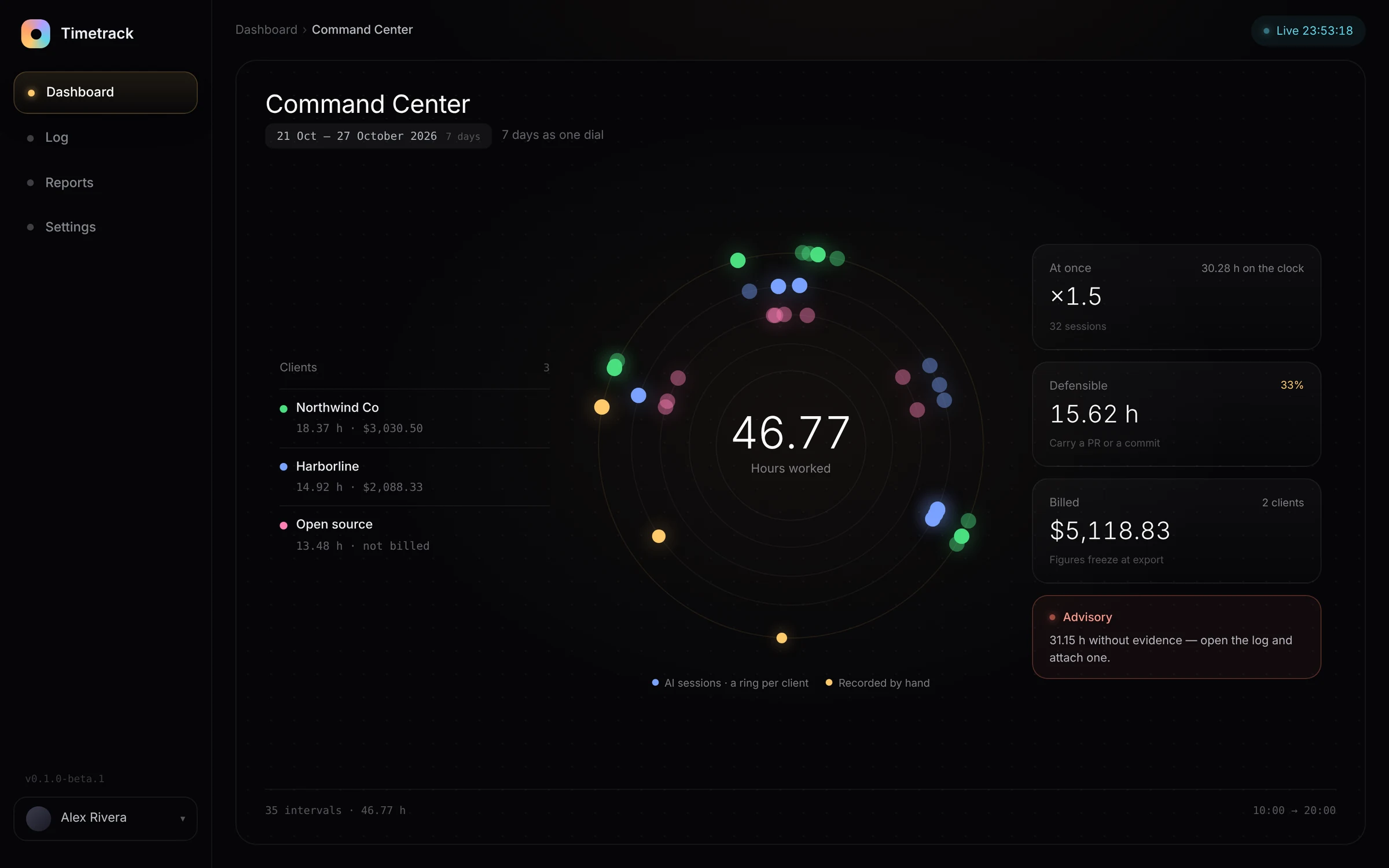
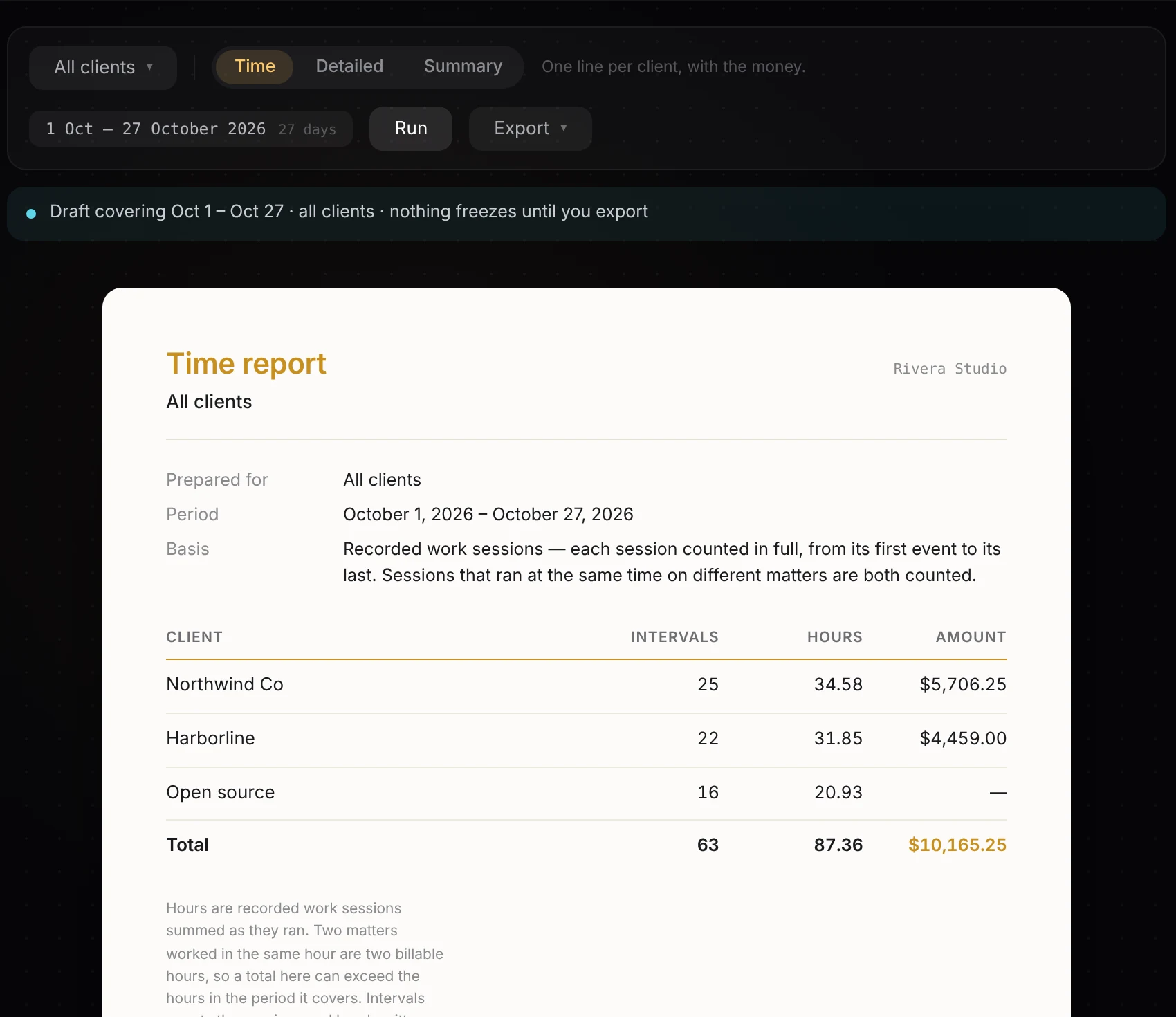
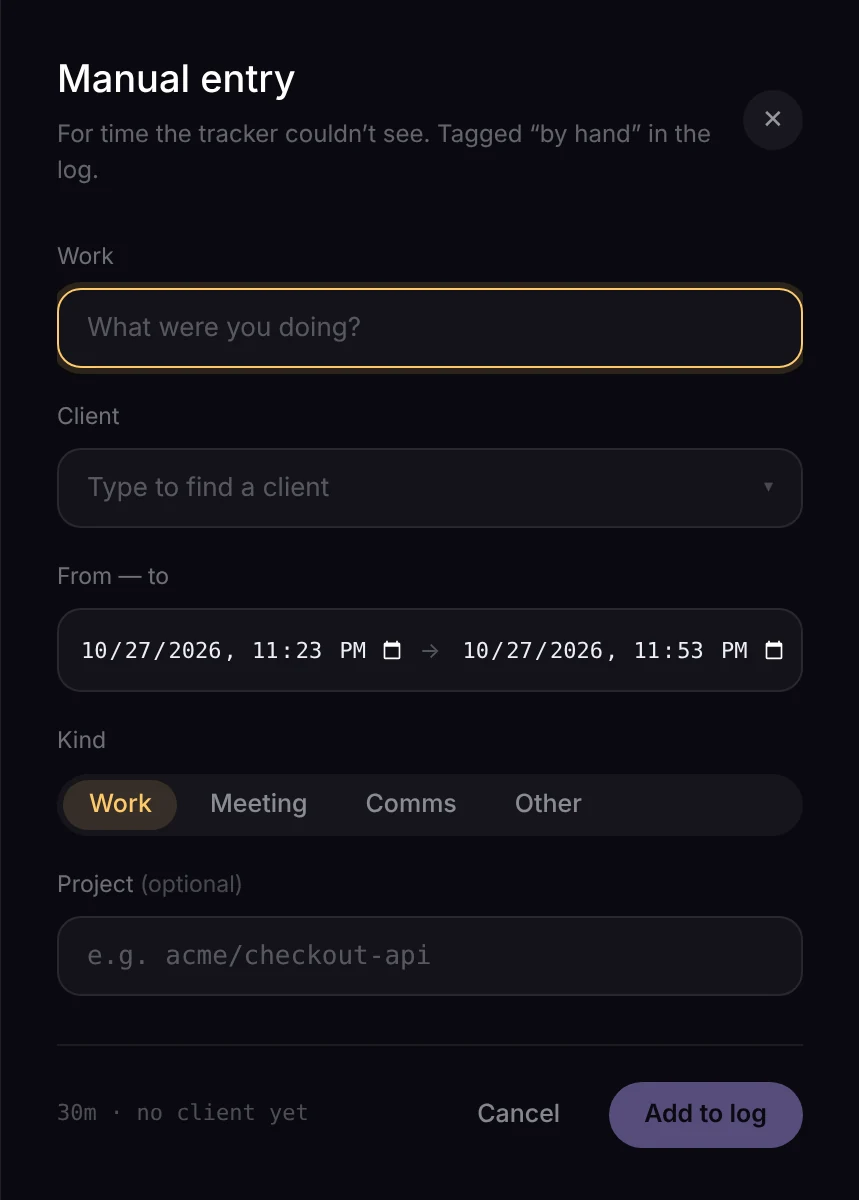
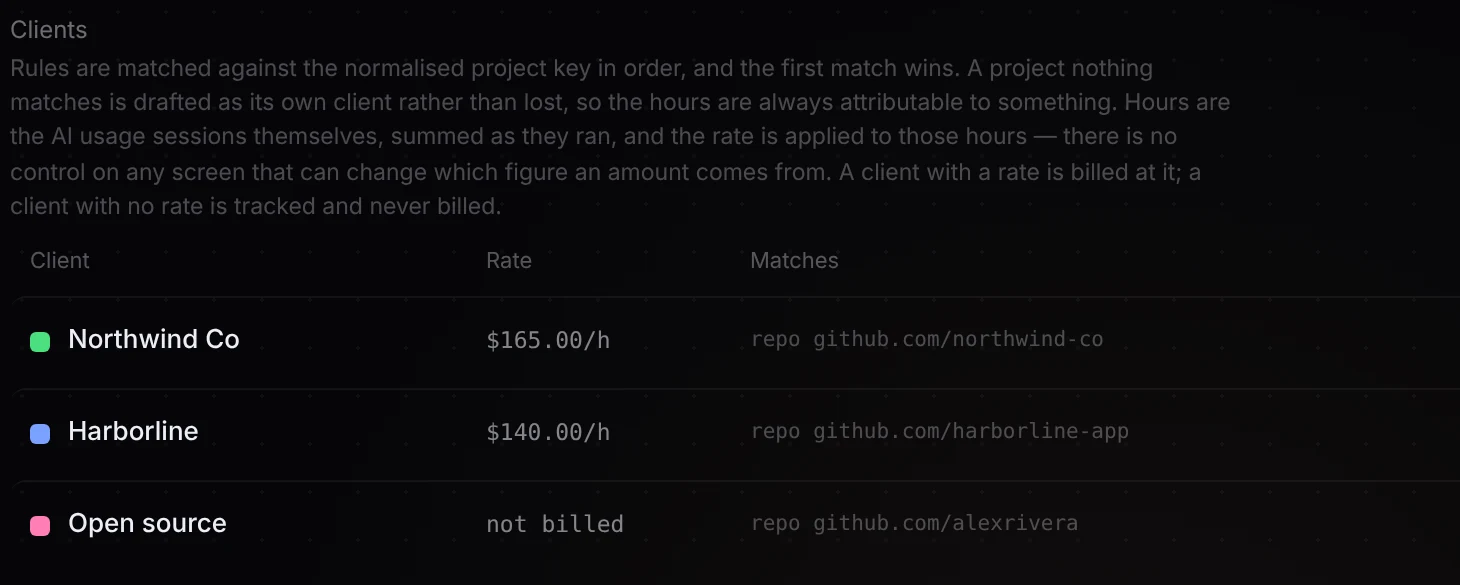
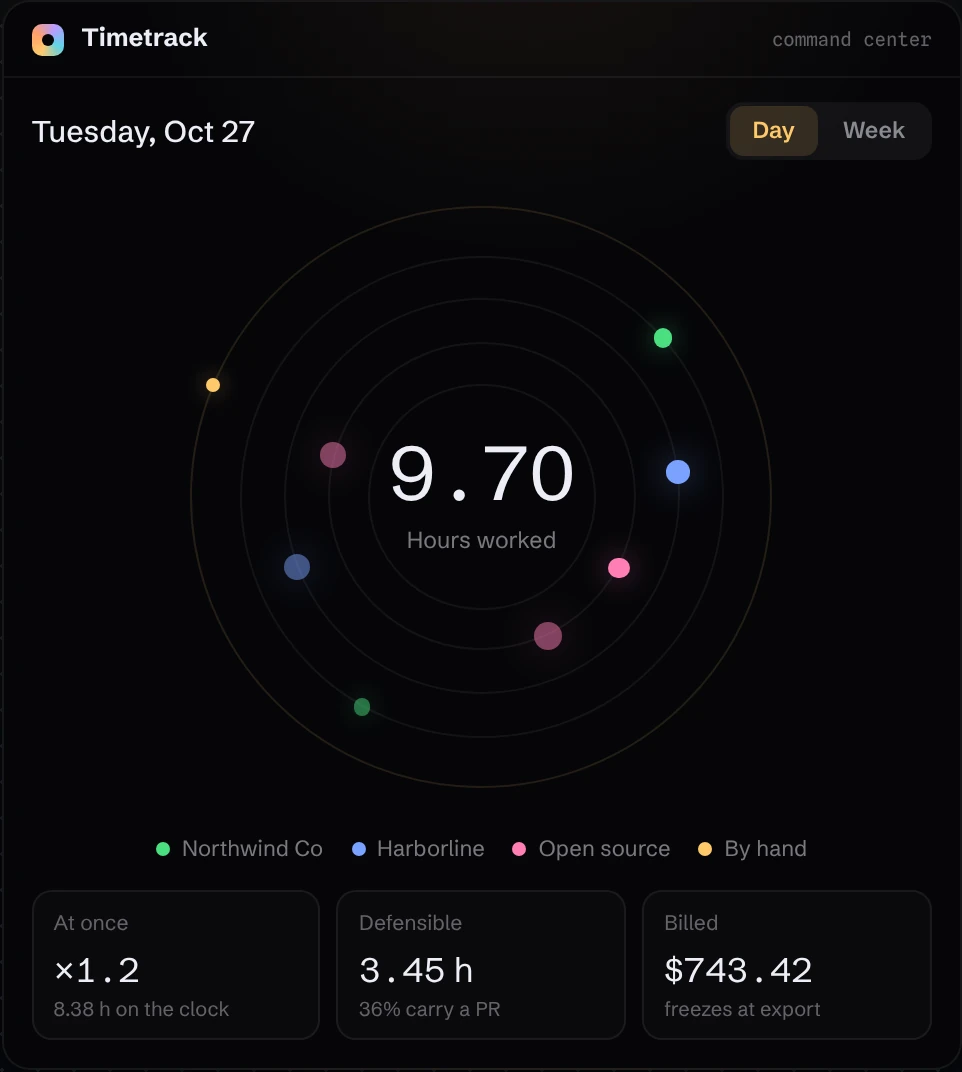
Raw activity, one clear picture.
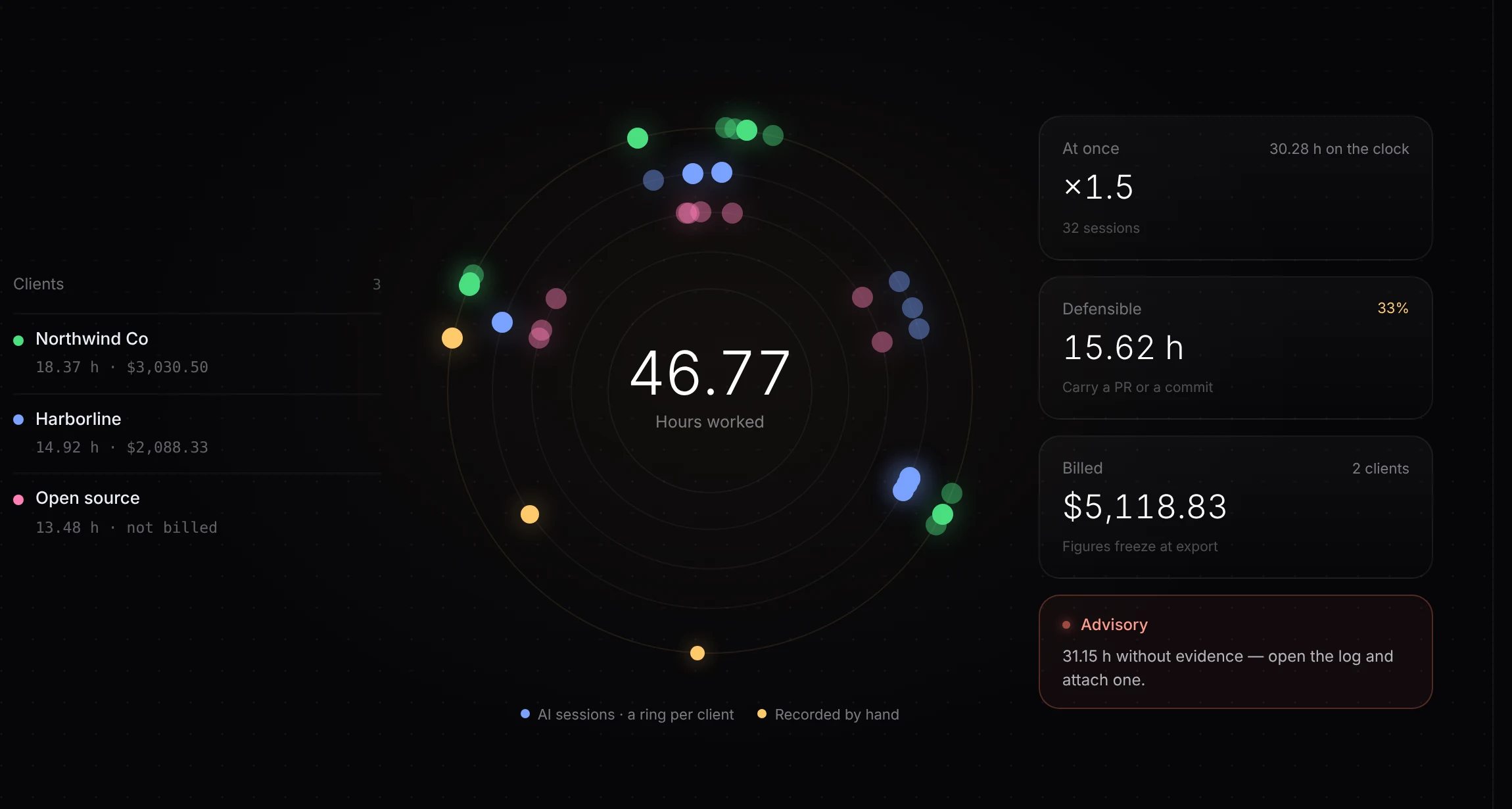
Session activity becomes one dial: each session placed by when it ran, one ring per client. Inspect a point to see the record behind it.
- Totals, overlap and money in one view
- Weak data dims on its own
- Same view for a day or a week
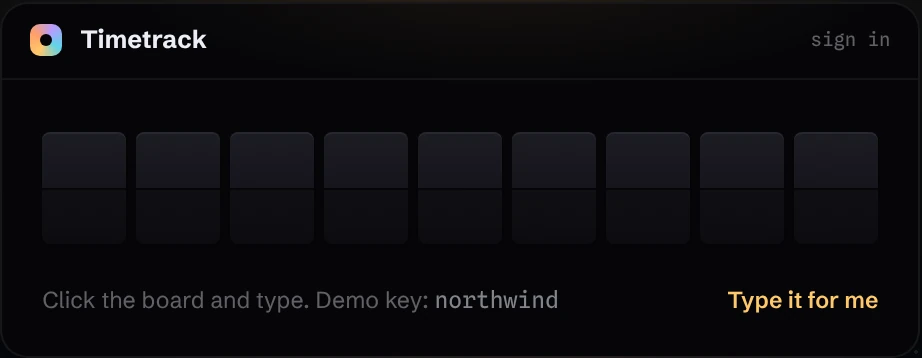
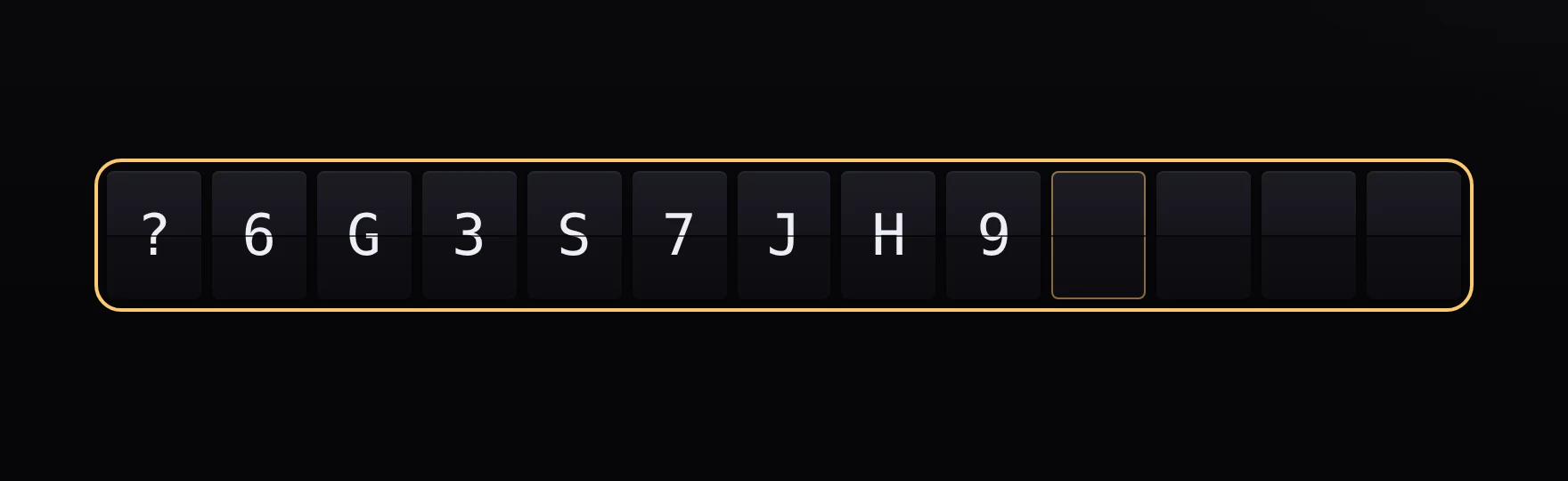
Key-based sign-in for a single owner.
A single-owner tool can use a key-based sign-in flow, with masked input and a signed session cookie.
- Signed session cookie, real sign-out
- Key input stays masked
- Still works with JavaScript off
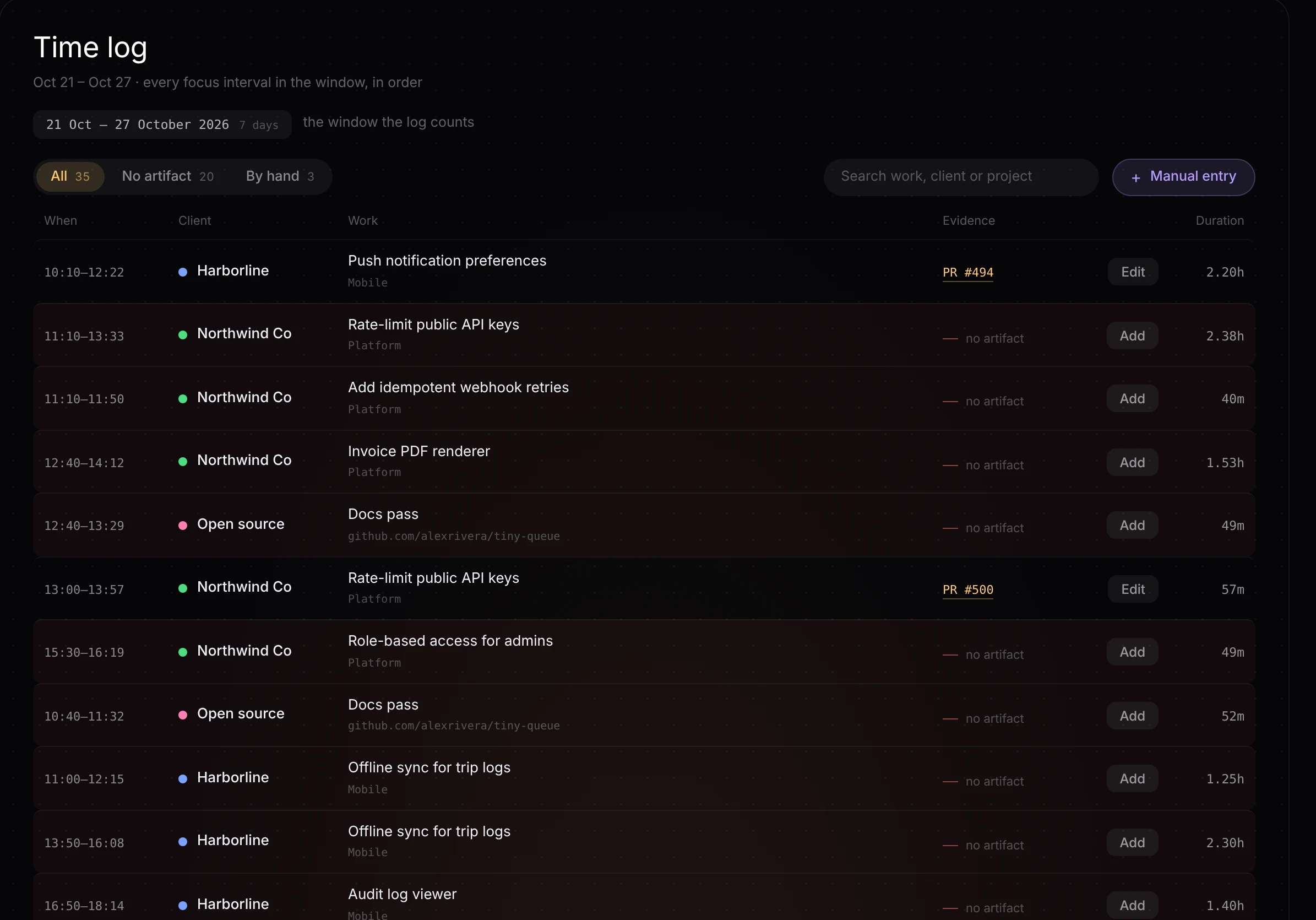
Every record, with receipts.
Session records can carry repository, commit, or pull-request references so the work behind an entry is easier to inspect.
- Filter to what’s missing proof
- Attach proof in one click
- Search across everything
Reports with a traceable calculation.
Export saves the report document. Reopening that saved report reads its stored snapshot instead of recalculating it from current activity.
- Three report types, one click
- Reopen the stored export snapshot
- Each one says how it was counted
Forms that do the math.
Manual entry for what automation can’t see, labeled separately from automatically captured sessions.
- Search-as-you-type pickers
- Durations worked out live
- Hand-entered data stays labeled
Attribution you can review.
Ordered rules match incoming activity to projects. An unrecognized project can become a reviewable draft without a rate, leaving that decision to a person.
- First match wins, in order
- Draft projects start without a rate
- Change a rule, history updates
Why it’s built this way.
Why sign in with a key instead of accounts?
A one-owner tool doesn’t need sign-up, password resets or a user table. One key behind a signed session cookie is less to build, less to leak and nothing to forget.
Why count parallel sessions in full?
Session time records each job’s duration, including concurrent jobs. Overlap is shown alongside the total so it can be distinguished from elapsed human time. What is billable depends on the client agreement.
Why keep the raw data untouched?
Source events are kept separately from derived session records. Attribution can be rebuilt when rules change, while the original events remain available for inspection.
What does saving a report preserve?
Export stores a snapshot of the report document. Reopening it reads that saved document instead of recalculating against current data. Saved reports can also be deleted.
What happens to an unrecognized project?
It can become a draft for review, without an automatically assigned rate. A person can review the attribution and set the relevant configuration. Recorded activity alone does not establish what a client has agreed to pay for.
Where does captured activity go?
Local hooks capture activity within configured repository roots, then selected metadata is sent to a Supabase collector and shown in a Vercel-hosted dashboard. Paths are shortened or aliased, rather than removed entirely. Default hook capture discards prompt and tool contents. Self-hosted here means you control the configured services; it does not mean all data stays on the device.
Can optional AI features send text to a model provider?
Yes. Optional title generation is off by default and, when explicitly enabled, can send bounded excerpts of human messages to a model provider. Report narration is a separate optional model feature. Review the enabled features, provider, and data flow before using either with sensitive work.
What happens if it’s set up wrong?
It fails closed. A half-configured install shows an error, never an open dashboard full of names and rates.
Who built it?
Nicholas Howell, designed and built end to end. It’s how I’d build your product, too.